
Signing in to your portal
Your Say Less Office portal is where you'll review and approve the posts your social media manager creates for you. There's no password to remember - you sign in with a link sent to your email.
Opening your portal for the first time
There are two ways your SMM might get you the portal address:
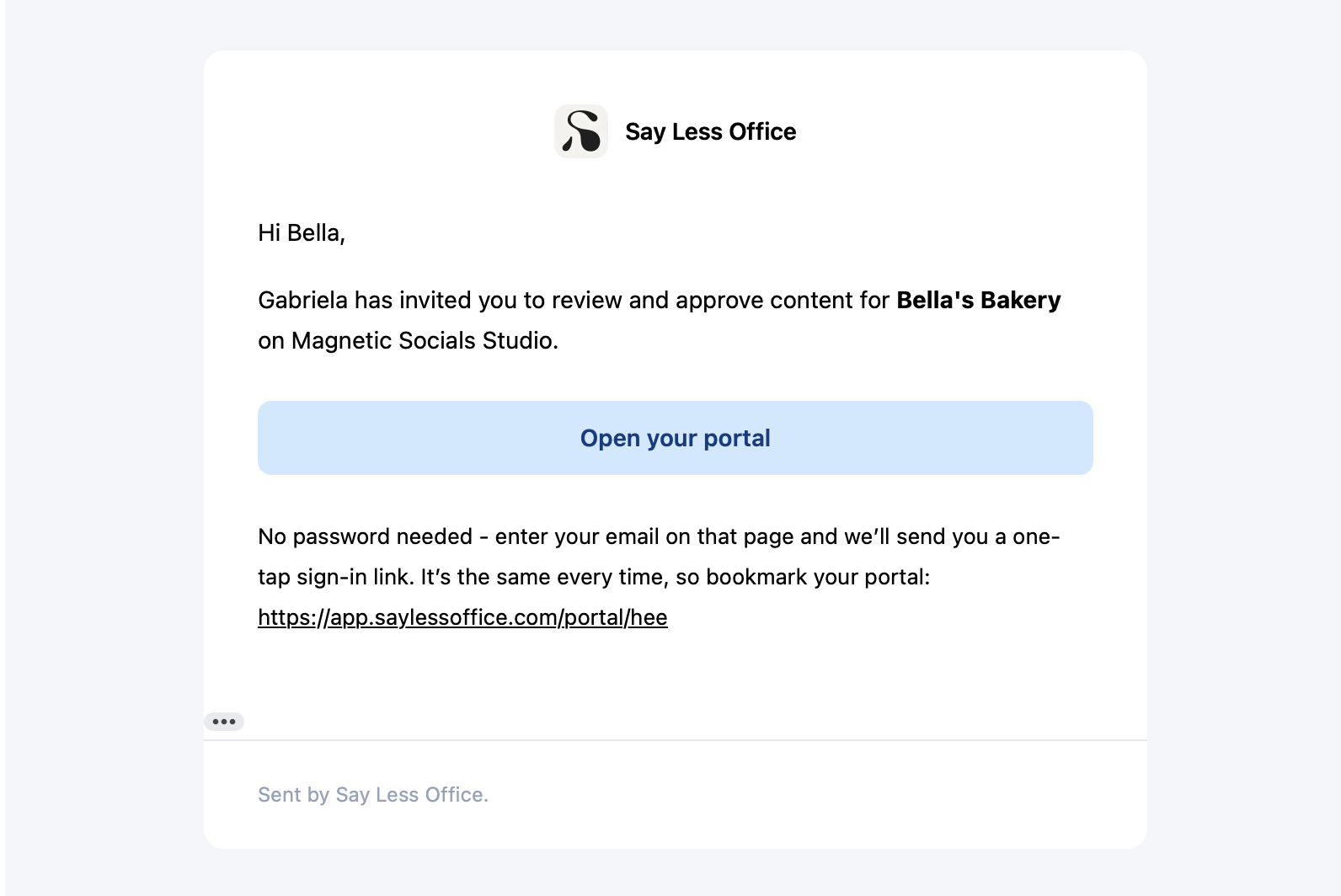
They invite you through Say Less Office. You get an email from Say Less Office titled something like "Sarah has invited you to review and approve content for Bella's Bakery". Inside, there's an Open your portal button and the full portal URL underneath (worth bookmarking).
They share the portal link directly. Sometimes SMMs skip the invite email and just DM you the portal address over Slack, WhatsApp, or email themselves. The link looks like saylessoffice.com/portal/your-project-name. Same destination.
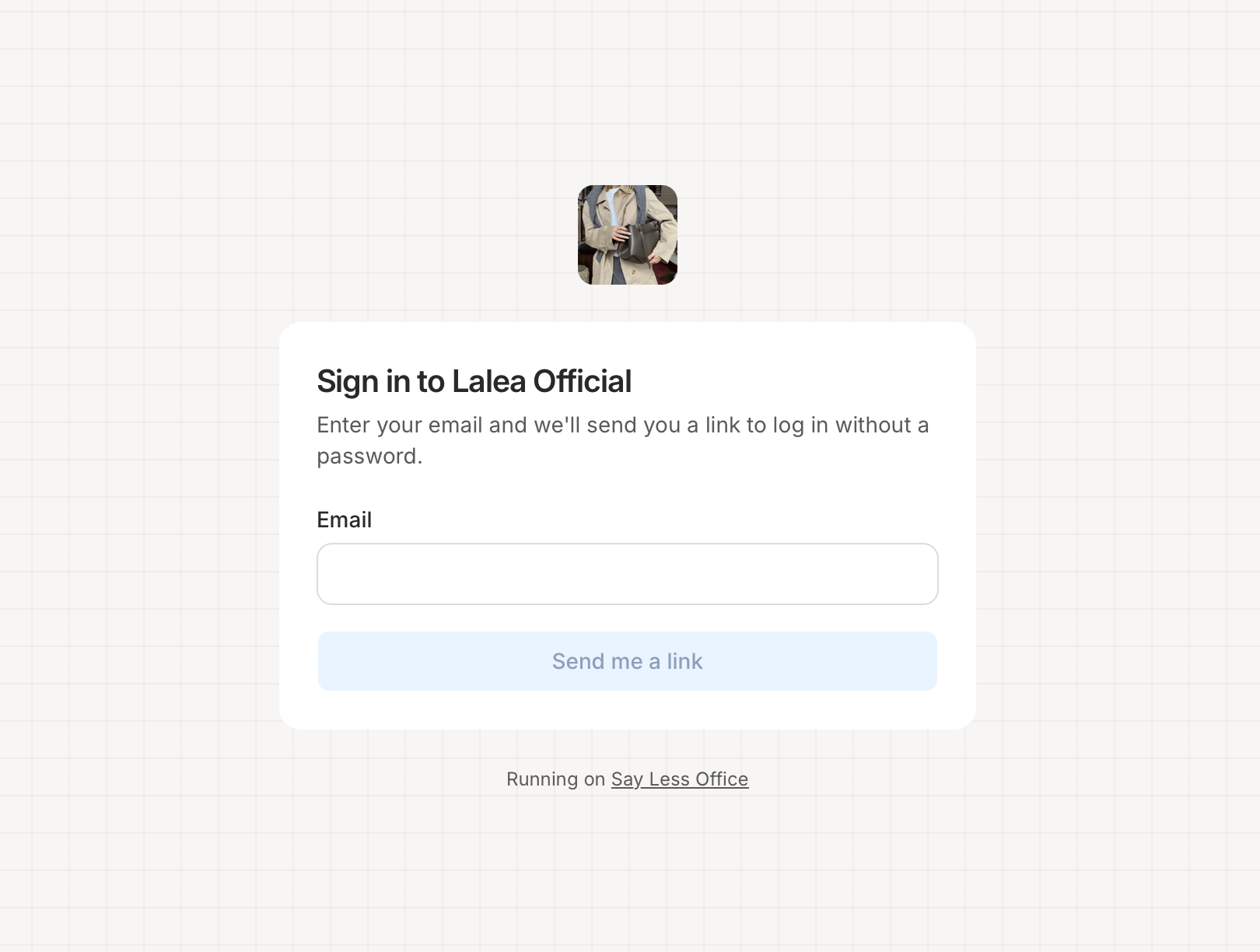
Either way, clicking the link takes you to the sign-in screen for your project. From there you enter your email and get a one-tap sign-in link (see the next section).
Signing back in later
When your session runs out, you'll land on the sign-in screen for your portal.
- Type in your email.
- Click Send me a link.
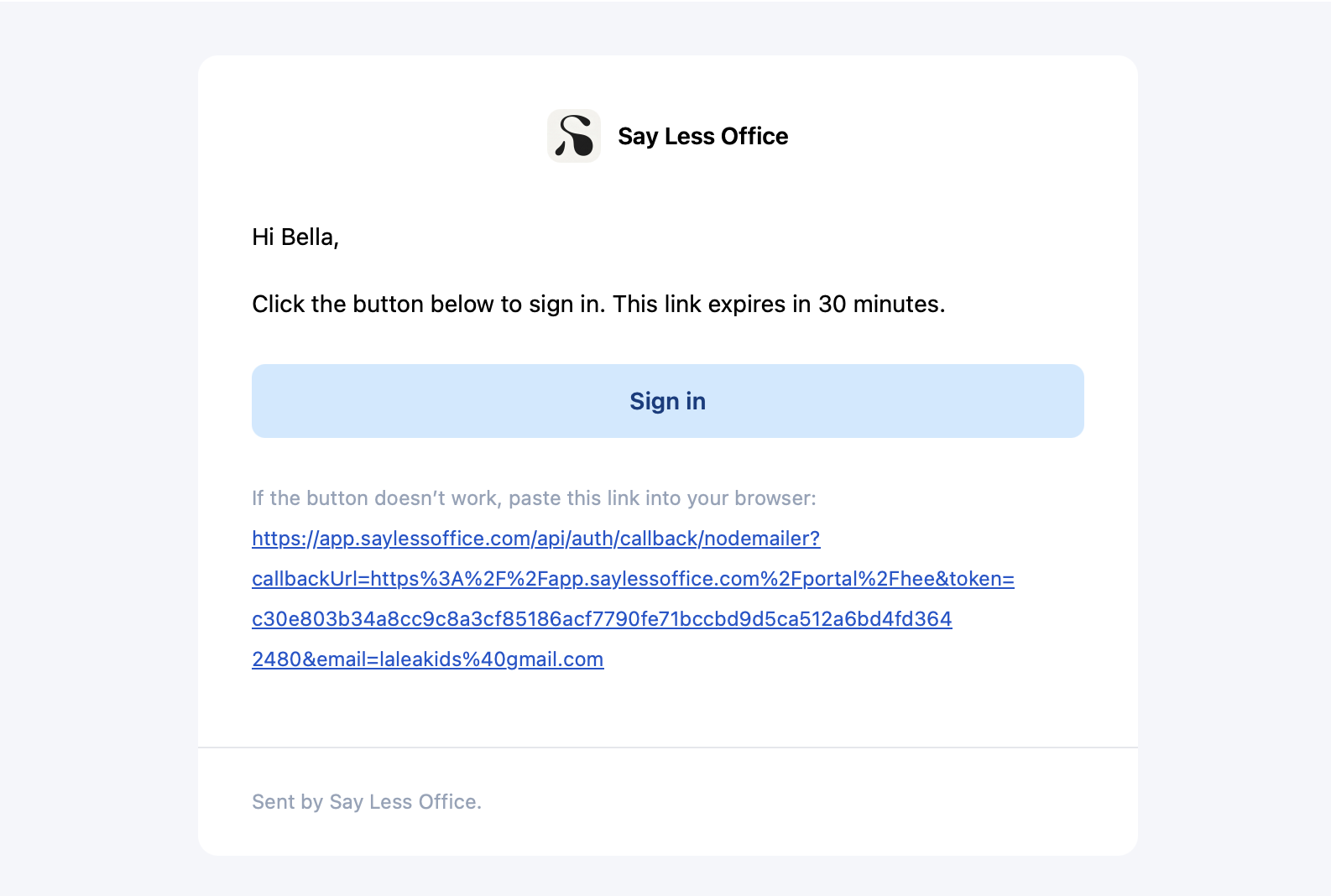
- Open your email. There's a message from Say Less Office with a big Sign in button.
- Click it. You're in.
Bookmarking your portal
Once you're signed in, save the browser tab as a bookmark. Your portal URL looks like saylessoffice.com/portal/your-project-name/... - stable and specific to you. Coming back is as simple as clicking the bookmark; if the session has expired you'll be asked for a fresh sign-in link automatically.