
Approving a post
Approving is the "you're good to publish this" signal to your SMM. Once you approve, they can move the post into the publishing queue on the actual platform.
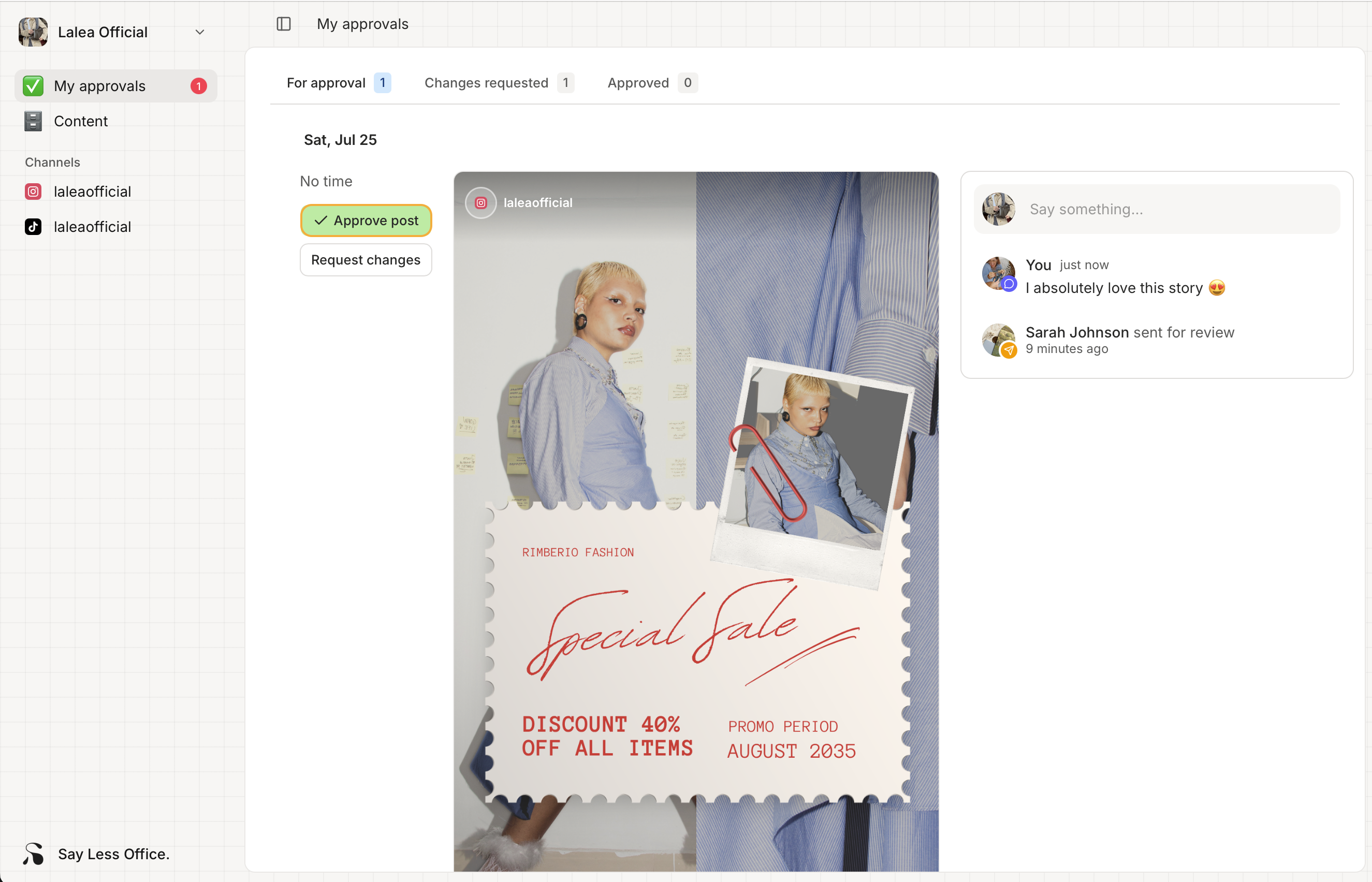
How to approve a post
- Open the post from My approvals > For approval.
- Read through it.
- Click Approve post to the left of the post preview.
That's it - one click. No confirmation dialog.
What happens after you approve
- The post disappears from the For approval tab.
- It shows up in the Approved tab so you can find it later.
- Your SMM gets a notification that you approved it.
- The post is now waiting on your SMM to publish it on the actual platform when the schedule date comes around.
Changed your mind after approving?
There isn't a button on your side to un-approve, but the easiest thing to do is leave a comment on the post itself. Open it from the Approved tab, drop a note in the Conversation thread ("actually, can we swap image 2?"), and your SMM gets an email. From their side they can revert the approval and reopen the post for changes. Messaging them directly (Slack, email, whatever) works too if it's more urgent.