
Requesting changes on a post
If a post isn't quite right, Request changes sends it back to your SMM with a short note. They edit it and re-submit for another look.
How to request changes on a post
- Open the post from My approvals > For approval.
- Click Request changes at the bottom.
- A small prompt opens asking What needs changing? - type a short note explaining what you'd like adjusted.
- Click Send.
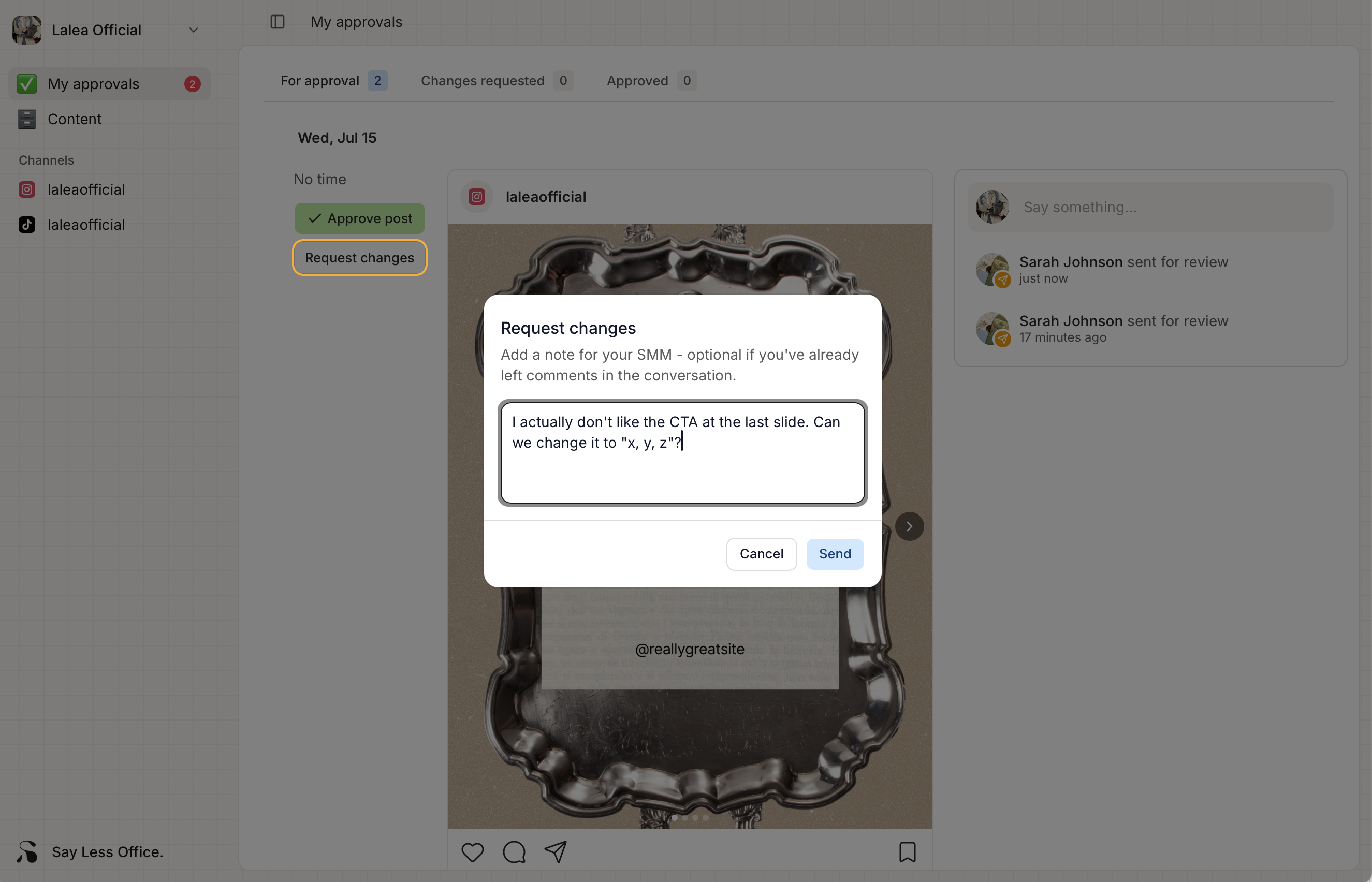
What to write in the note
Anything specific enough that your SMM knows what to do. A few examples:
- "The tone feels a bit too formal for us - can we go more casual? Maybe drop 'delighted to announce' for 'so excited about'."
- "Swap the second image for one where the cake is un-cut - I don't love the slice photo."
- "Remove the CTA at the end. We're not running the promotion anymore."
- "Add my co-founder's handle @jordan_baker somewhere in the caption."
You can also skip the note entirely - the Send button works with an empty one. That path makes sense when you've already left comments on the post explaining the specific things you want changed. Your SMM gets the "changes requested" signal and reads through the Conversation to see the details.
What happens after you send the post back
- The post disappears from the For approval tab.
- It moves to the Changes requested tab so you can find it later.
- Your SMM gets an email and an in-app notification, with your note attached.
- They edit the post, then re-submit it for your approval. It'll pop back into For approval and you'll get another email letting you know.