Editing your client's info
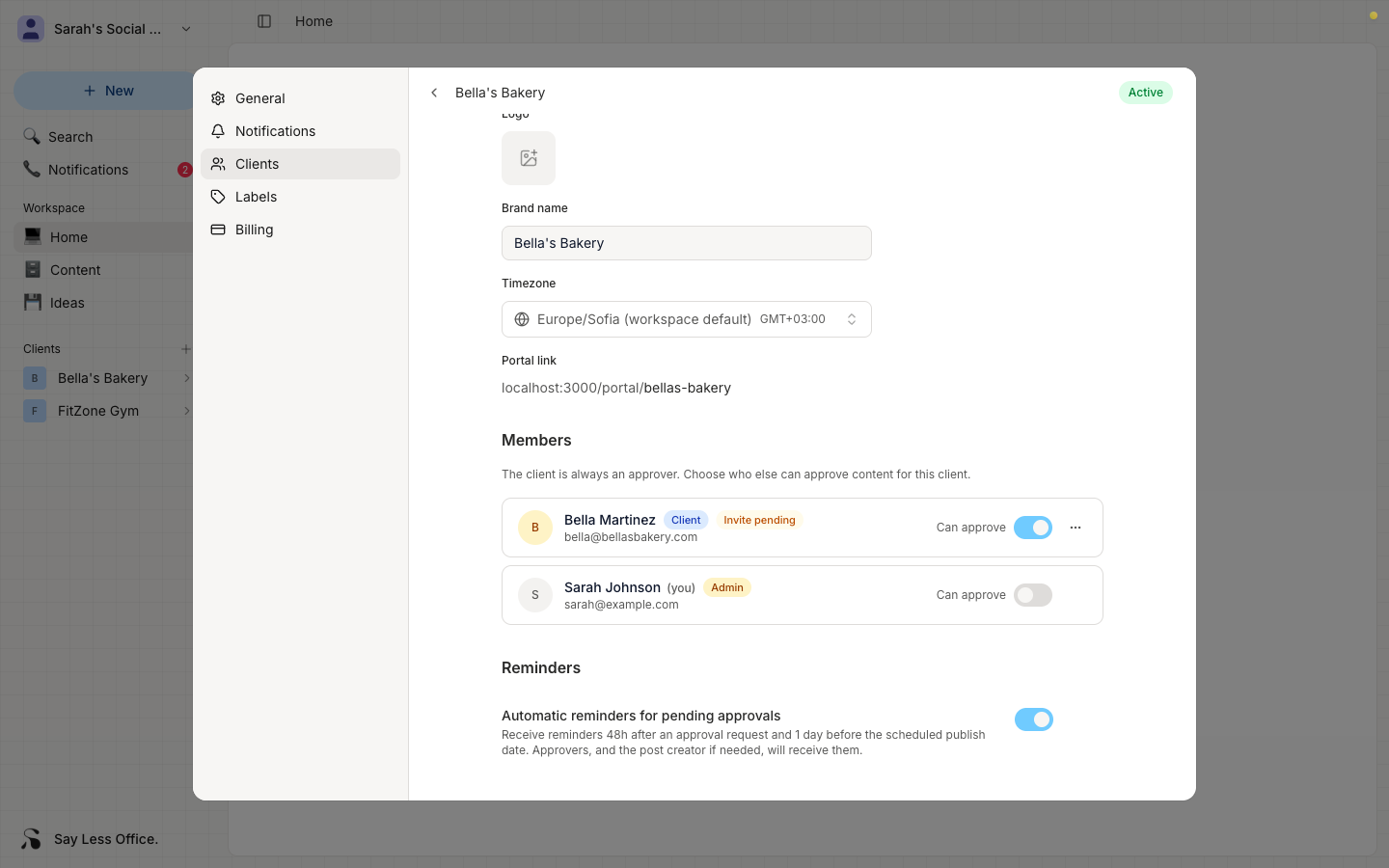
Once a client is in your workspace, their Client info section is where you update how they show up: logo, brand name, and timezone. Everything on this section auto-saves as you go.
How to open a client's settings
In the sidebar, hover over the client row and click the gear icon that appears on the right. That opens the client settings modal.
The Client info section is at the top.
What you can edit here
- Logo - upload a new one to replace the current.
- Brand name - the client's business name. This is what your client sees in their portal, and what shows up in your sidebar and post lists.
- Timezone - used when you set schedule dates on their posts.
What's not editable
- Portal link is shown here for reference but grayed out. The URL is set once when you add the client and can't be changed. Renaming the client doesn't touch it, which keeps any existing links working.