
Changing your password
You can change your password at any time from the same Settings modal where the rest of your account lives.
How to change your password
Open Settings from the account menu in the top-left of the sidebar. In the General section, scroll to Password.
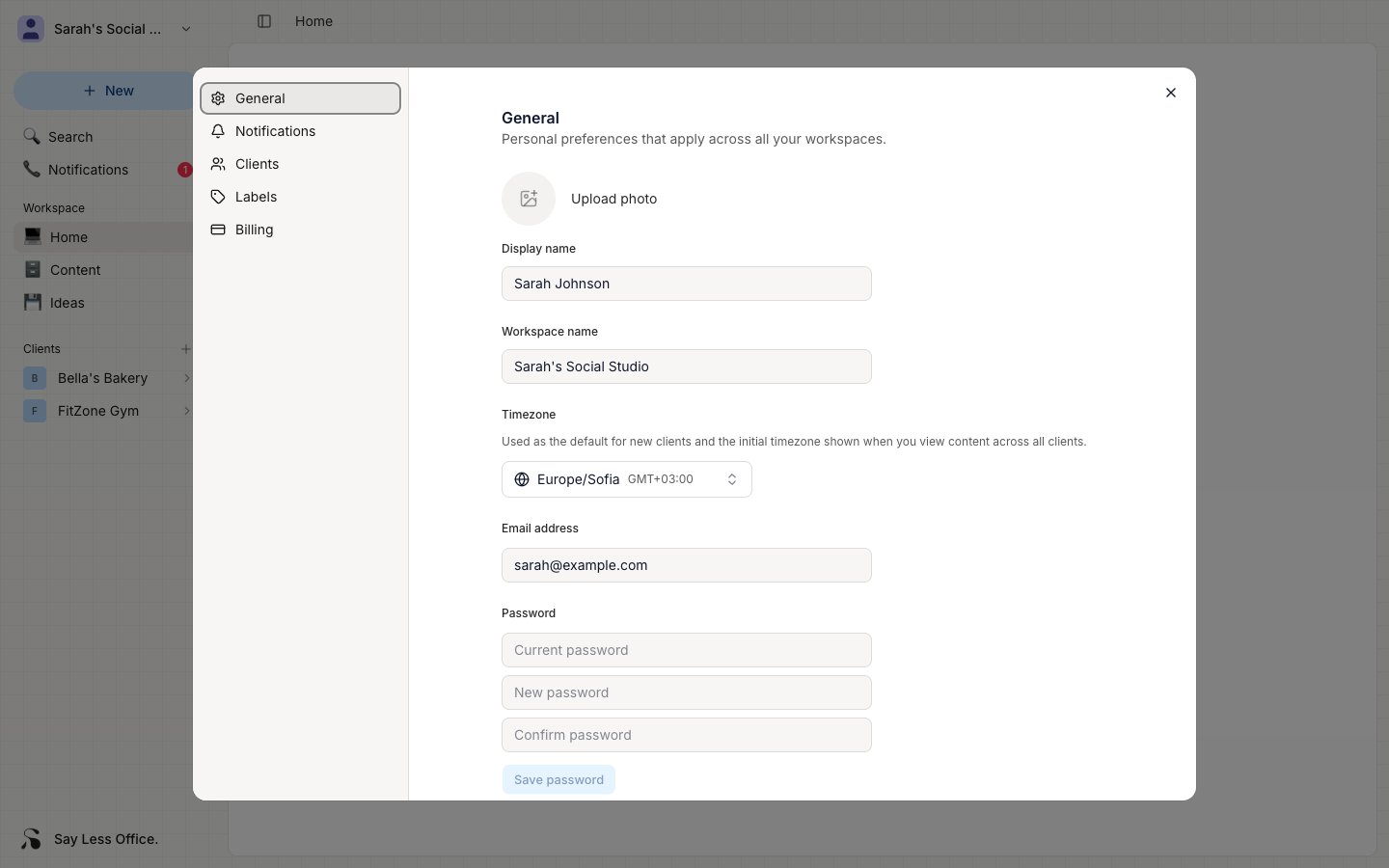
- Current password - the one you're using today.
- New password - at least 8 characters.
- Confirm password - retype the new one to make sure it's what you meant.
Click Save password. Your next sign-in uses the new one.