
Exporting your data
You can download a copy of everything Say Less Office stores about you as a single file, any time you want.
How to export
- Open Settings from the account menu in the top-left of the sidebar.
- Scroll to the bottom of the General section, to the Account block.
- Click Export data.
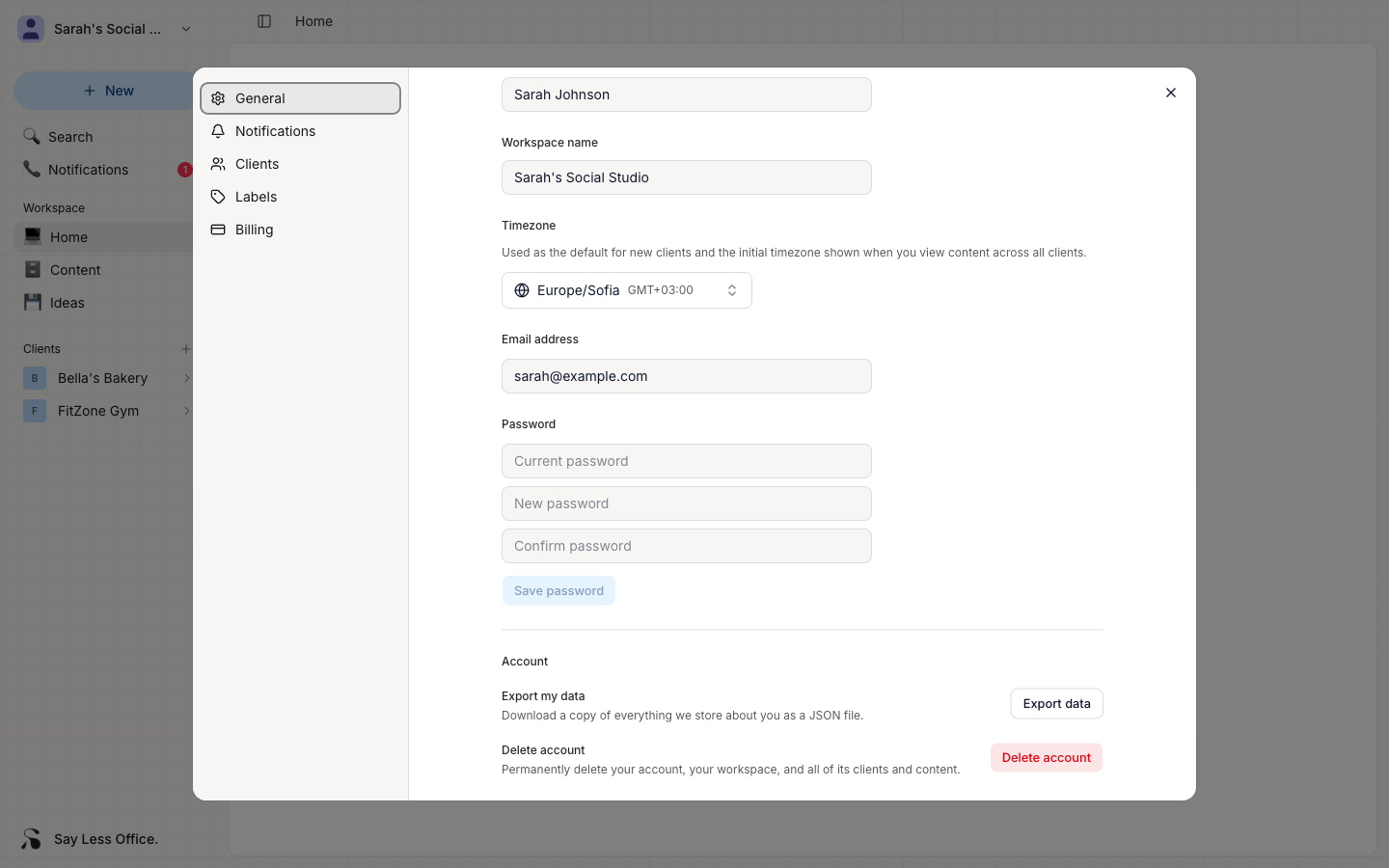
Say Less Office packages your data into a JSON file and downloads it to your machine. The file is named account-export-YYYY-MM-DD.json.
What's in the export
- Your profile, settings, and preferences.
- Every workspace you own.
- Every client you've added, and everything inside them.
- Your posts, ideas, and calendar events.
- Notification and email history.
You can export as often as you want. There's no limit.